Quick Setup Guide:
1️⃣ Global npm Package Installation
Run in terminal2️⃣ Environment Variable Configuration
Add your Aihubmix API key and forwarding address to your system environment variables. You can generate the API key from the Aihubmix 「Keys」page. For example, add to ~/.zshrc:3️⃣ Apply Configuration
After adding the configuration, executesource ~/.zshrc in terminal and press Enter.
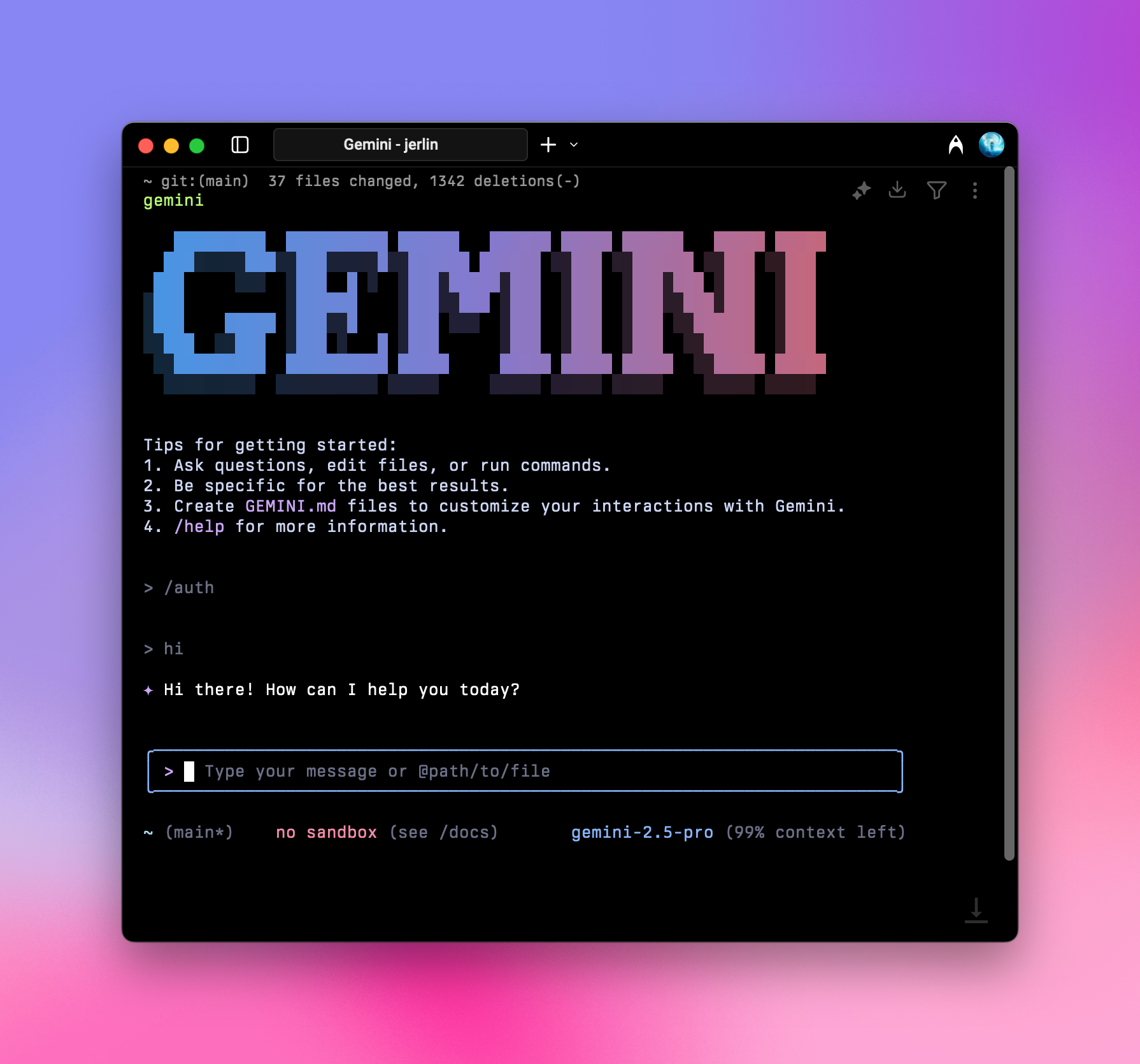
4️⃣ Terminal Launch
Enter in terminal:Initialization Setup
Choose Connection Method
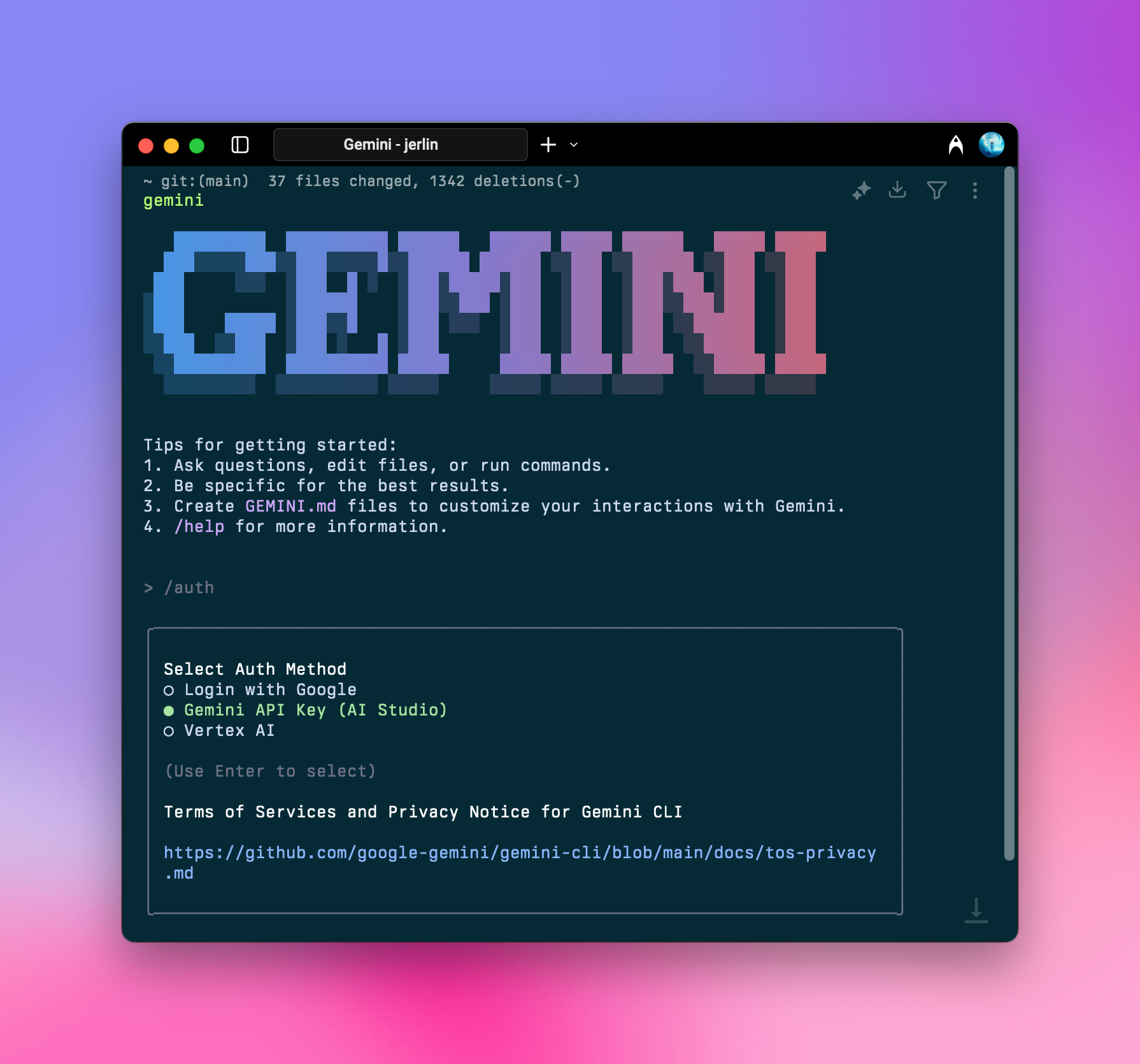
/auth and press Enter, then select Gemini API Key (AI Studio)
You can use the
/auth command anytime to switch authorization methods.Launch Success
After completing the above initialization, you can use it normally.