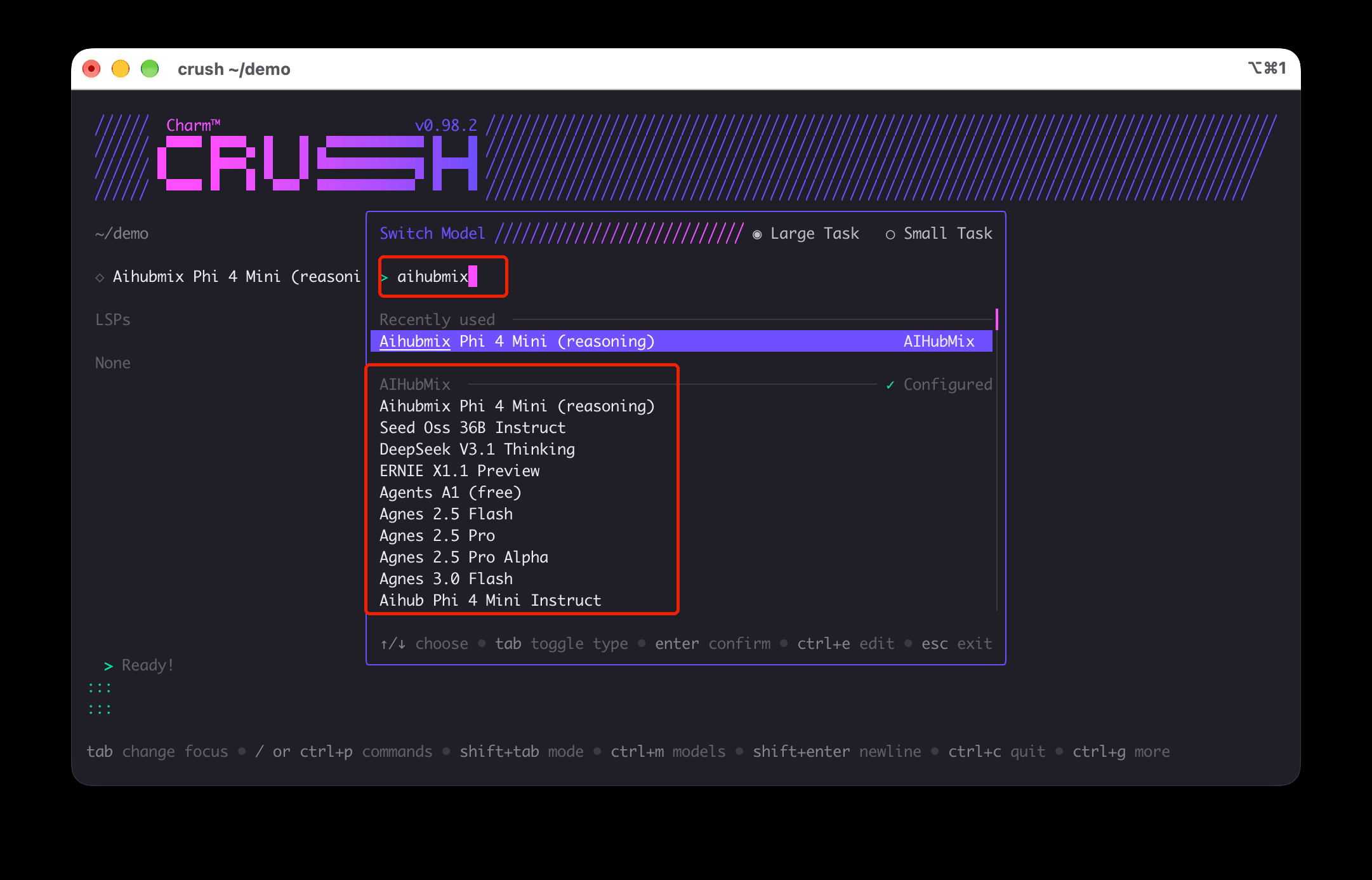
Quick Setup Guide:
1️⃣ Installation
Get the application from the official repository2️⃣ Environment Configuration
Crush has the AIHubMix provider built in. Set theAIHUBMIX_API_KEY environment variable, then press Ctrl+L to choose AIHubMix models from the model list. Manual provider configuration is only needed to customize the model list or to use the Anthropic native protocol.
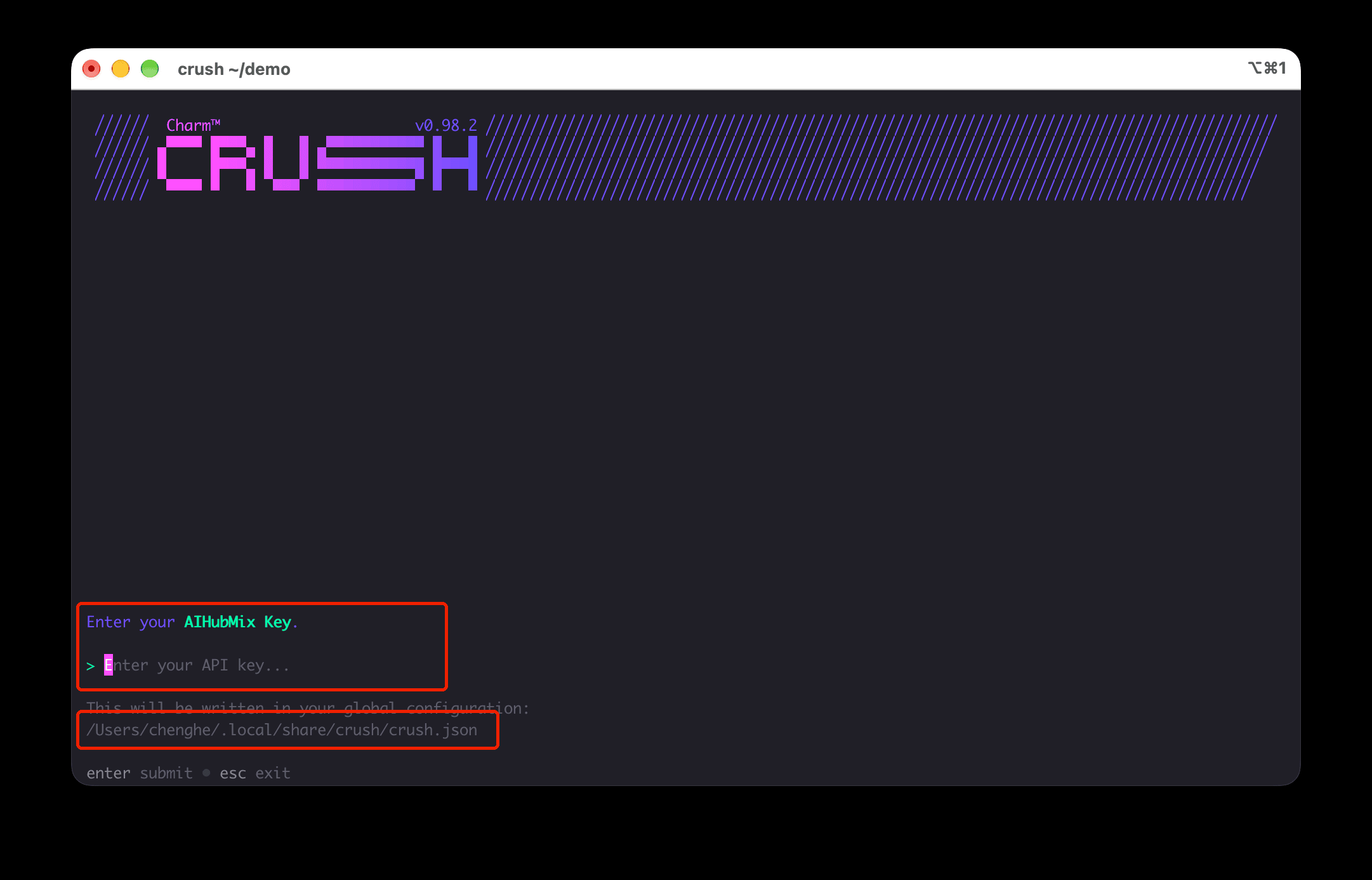
On first launch Crush asks for a provider and an API key. Pick AIHubMix and paste the key generated on the 「Keys」page; it is written to ~/.local/share/crush/crush.json.
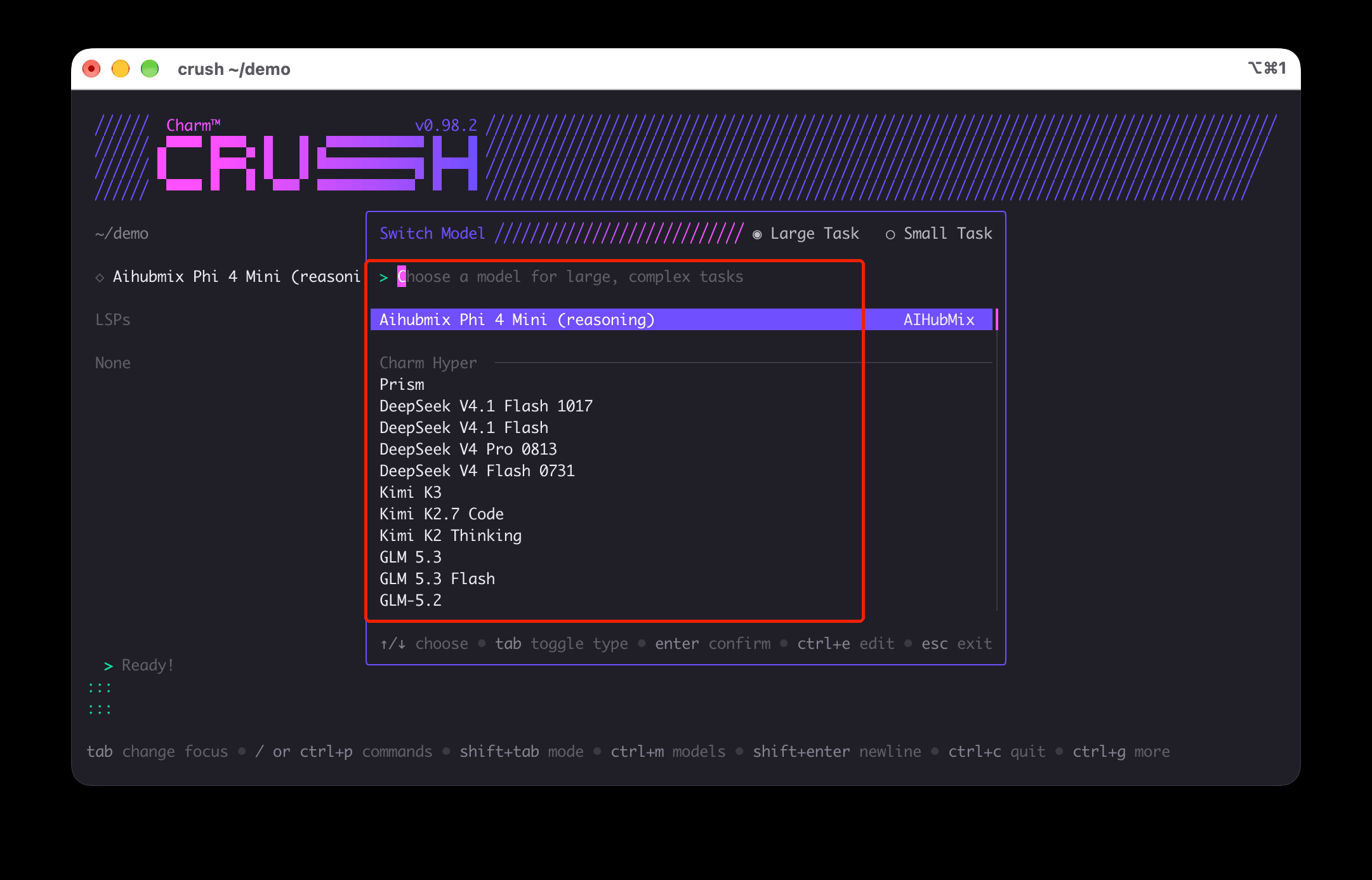
Ctrl+L to open the model list. AIHubMix models appear there, with Large Task and Small Task tabs at the top.
aihubmix in the model list to filter down to AIHubMix models.