

Introduction
Aihubmix integrates mainstream image generation APIs through a unified interface and encapsulates them as MCP (Model Context Protocol), making it more convenient for developers to integrate with LLM interactions. Users can trigger image generation using natural language input. Currently integrated models include:- openai/gpt-image-1
- bfl/FLUX.1-Kontext-pro
- google/imagen-4.0-ultra-generate-preview-06-06
- google/imagen-4.0-generate-preview-06-06
- ideogram/V3
The gpt-image-1 model returns base64 encoded results, which may cause errors in Claude Desktop due to excessive length. Currently, we recommend prioritizing V3 / Flux / Imagen models.
1️⃣ Installation
Below are MCP installation examples for common AI tools. Before running the commands, replacesk-*** with your Aihubmix API key.
After installation, you need to restart the tool for changes to take effect.
Install to Claude Code
Run the installation command in terminal:claude command, enter /mcp to confirm installation.
Install to Claude Desktop
Avatar → Settings → Developer → Edit Config → Add the following configuration:Install to Warp AI
Avatar → Settings → AI → Manage MCP Servers → Add → Add the following configuration:- Use natural language input, specify mcp and target, for example:
prompt
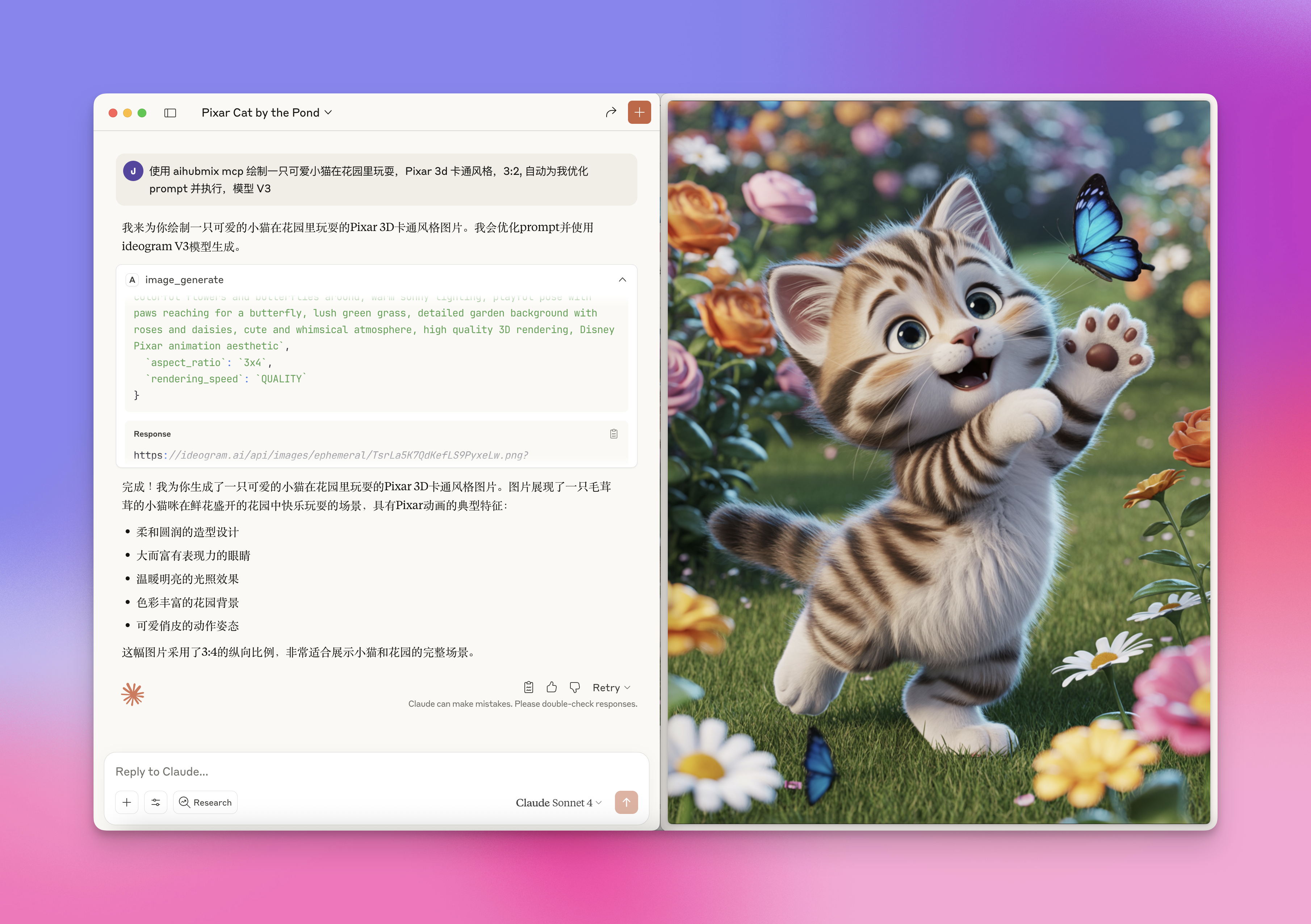
- You can specify target models, such as flux-kontext-max, ideogram/V3, etc. Exact matching is not required, LLM will automatically match keywords
- Specify more constraints, for example:
prompt
Last updated: 2026-06-01